
Pixlr
Sei kreativ mit Pixlrs Online-Foto-Editing- und Design-Tools. Dazu gehören der KI-Bilderzeuger, der Batch-Editor, das Animationsdesign, der Enhancer und mehr. Jetzt kostenlos ausprobieren!
Was ist Pixlr?
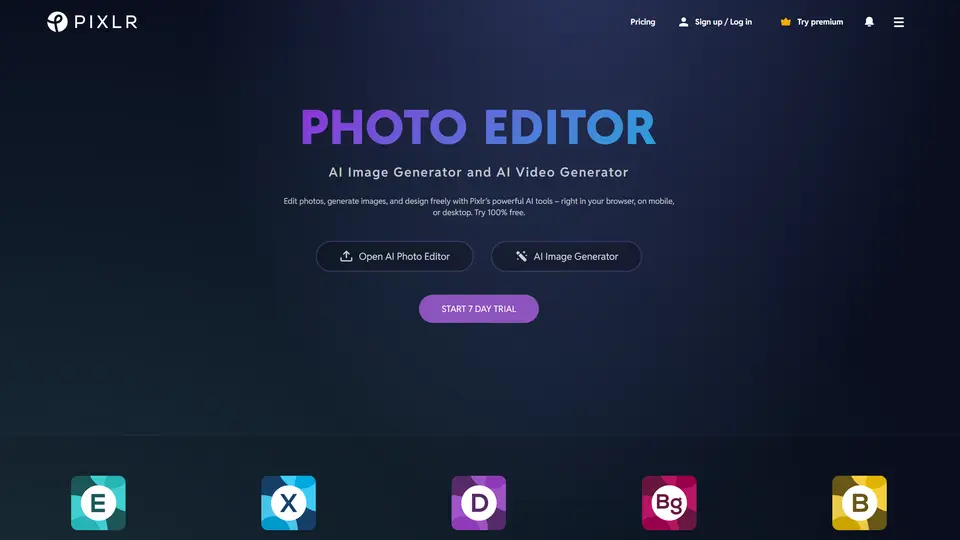
Pixlr is an online photo editing and graphic design platform that allows users to edit images, create visual content, and generate graphics directly in a web browser. It combines quick editing tools with more advanced layer-based workflows, making it suitable for both beginners and experienced creators.
Users can perform common tasks such as cropping, resizing, retouching, color correction, adding text, applying effects, and removing backgrounds. Pixlr also includes generative tools for creating, extending, and modifying images with text instructions.
The platform is designed for content creators, marketers, designers, students, photographers, and anyone who needs an accessible alternative to traditional desktop image-editing software.
Features:
-
Online Photo Editor: Crop, resize, rotate, enhance, retouch, and adjust photographs directly in the browser.
-
Layer-Based Editing: Organize images, text, shapes, and effects on separate layers for more flexible compositions.
-
AI Image Generation: Generate original visual content from written prompts.
-
Generative Editing: Add, remove, replace, transform, or extend parts of an image using text-based instructions.
-
Background Removal: Automatically separate subjects from backgrounds for product photos, portraits, and graphic designs.
-
Graphic Design Templates: Create social posts, banners, advertisements, collages, thumbnails, and promotional materials from templates.
-
Batch Editing: Resize, crop, rename, enhance, or convert multiple images within a single workflow.
Use Cases:
-
Social Media Graphics: Design posts, stories, banners, profile images, and video thumbnails.
-
Everyday Photo Editing: Correct lighting, enhance colors, remove distractions, and apply creative effects.
-
Marketing Design: Produce advertisements, campaign graphics, branded visuals, and promotional materials.
-
E-Commerce Images: Remove backgrounds and standardize product photographs for online stores.
-
Creative Compositing: Combine photographs, illustrations, text, and effects through a layer-based editor.
-
Bulk Image Processing: Prepare multiple images for websites, catalogs, social platforms, or content libraries.
Ähnliche Tools
Nano Banana Pro
Googles fortschrittlichstes Tool zur Bilderstellung, das „nachdenkt“, bevor es zeichnet, und dabei unglaublich realistische Bilder sowie perfekten Text für professionelle Projekte erzeugt.

Qwen Chat
Qwen Chat bietet umfassende Funktionen, die Chatbot, Bild- und Videoverständnis, Bilderzeugung, Werkzeugnutzung und Artefakte abdecken.

Gling
Die KI-Video-Editing-Software von Gling ist für YouTube-Creator entwickelt worden. Optimieren Sie Ihren Workflow, indem Sie automatisch schlechte Aufnahmen, stille Momente, Füllwörter und Hintergrundgeräusche herausschneiden.
Rate Pixlr
to rate this tool.
Präsentieren Sie Ihr Produkt
Stellen Sie Ihr Tool vor oder entdecken Sie weitere Lösungen.