Shader Gradient
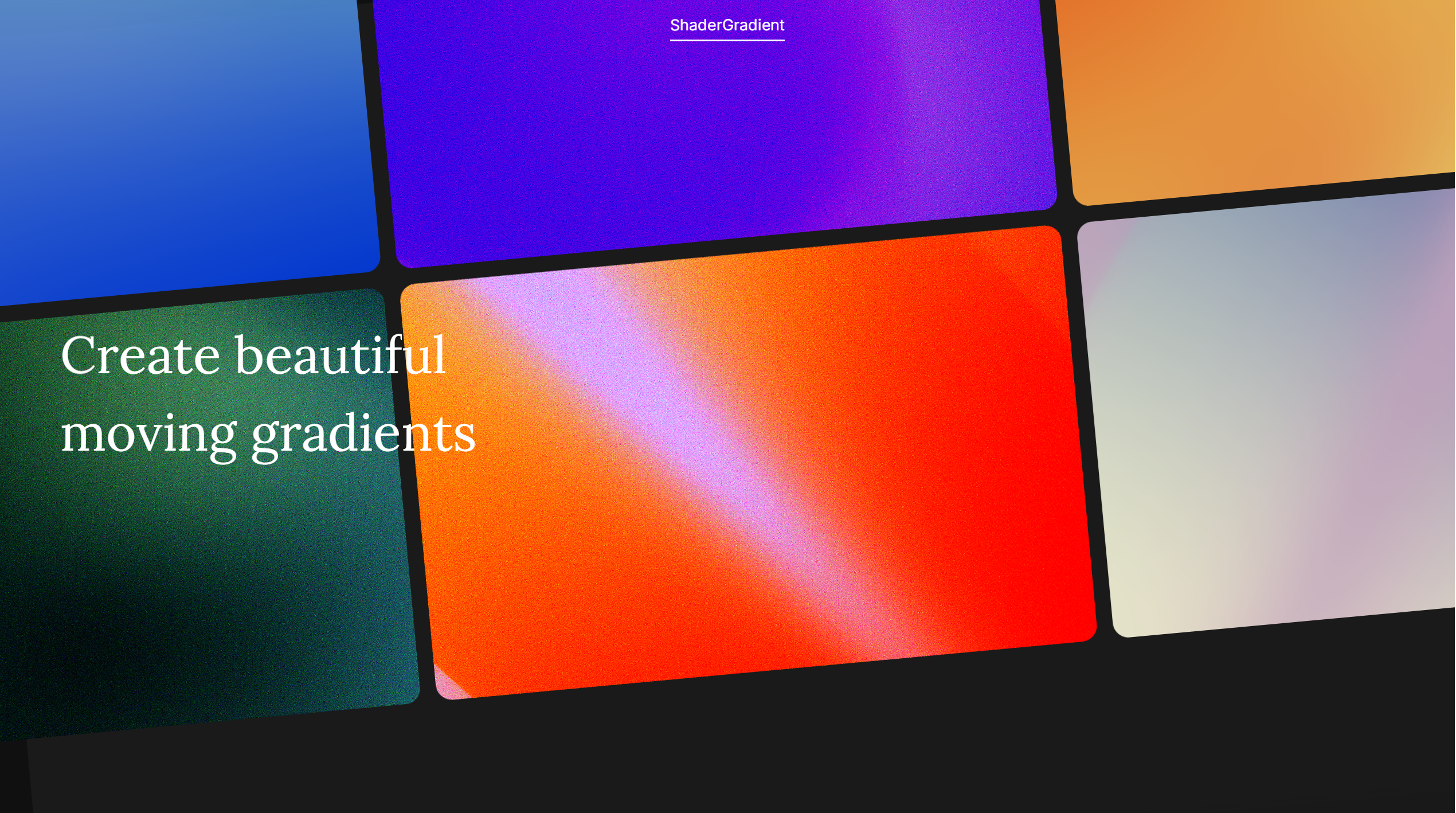
Create beautiful moving gradients on Framer, Figma and React.
Was ist Shader Gradient?
Shader Gradient is a creative web design tool that enables users to create interactive 3D gradients and animated visual effects for websites. It allows designers and developers to generate visually rich backgrounds using shaders without requiring advanced graphics programming knowledge.
By combining real-time rendering with an intuitive visual editor, Shader Gradient helps creators build immersive website experiences that stand out from traditional static designs.
The platform is designed for modern web creators who want to add expressive motion, depth, and interactive visuals to digital experiences.
Features:
-
Interactive Shader Editor: Create and customize animated gradient effects visually.
-
3D Web Visuals: Generate immersive backgrounds and graphics for modern websites.
-
No-Code Creative Workflow: Design advanced visual effects without deep shader programming knowledge.
-
Web Integration: Export and use generated visuals in web projects.
-
Real-Time Customization: Adjust colors, motion, and effects instantly.
Use Cases:
-
Creative Landing Pages: Build visually impressive websites with animated backgrounds.
-
Brand Experiences: Create unique digital identities through interactive visuals.
-
Portfolio Websites: Add modern 3D effects to showcase creative work.
-
Experimental Web Design: Explore new possibilities in immersive web experiences.
Ähnliche Tools

Jitter
Jitter is a collaborative motion design tool that lets you create professional animations in minutes, no matter your experience with motion.

Phase
Design in Figma, Prototype in Phase, Export to Code. Prototypes · Micro-Interactions + Animations without code.

BuildMuse
Curated UI, motion, app-screen, icon, and design-skill references for builders and vibe coders.
Rate Shader Gradient
to rate this tool.
Zeig dein Produkt
Reiche dein Tool ein um Sichtbarkeit bei Entwicklern zu erhalten oder entdecke weitere Lösungen.