
Phase
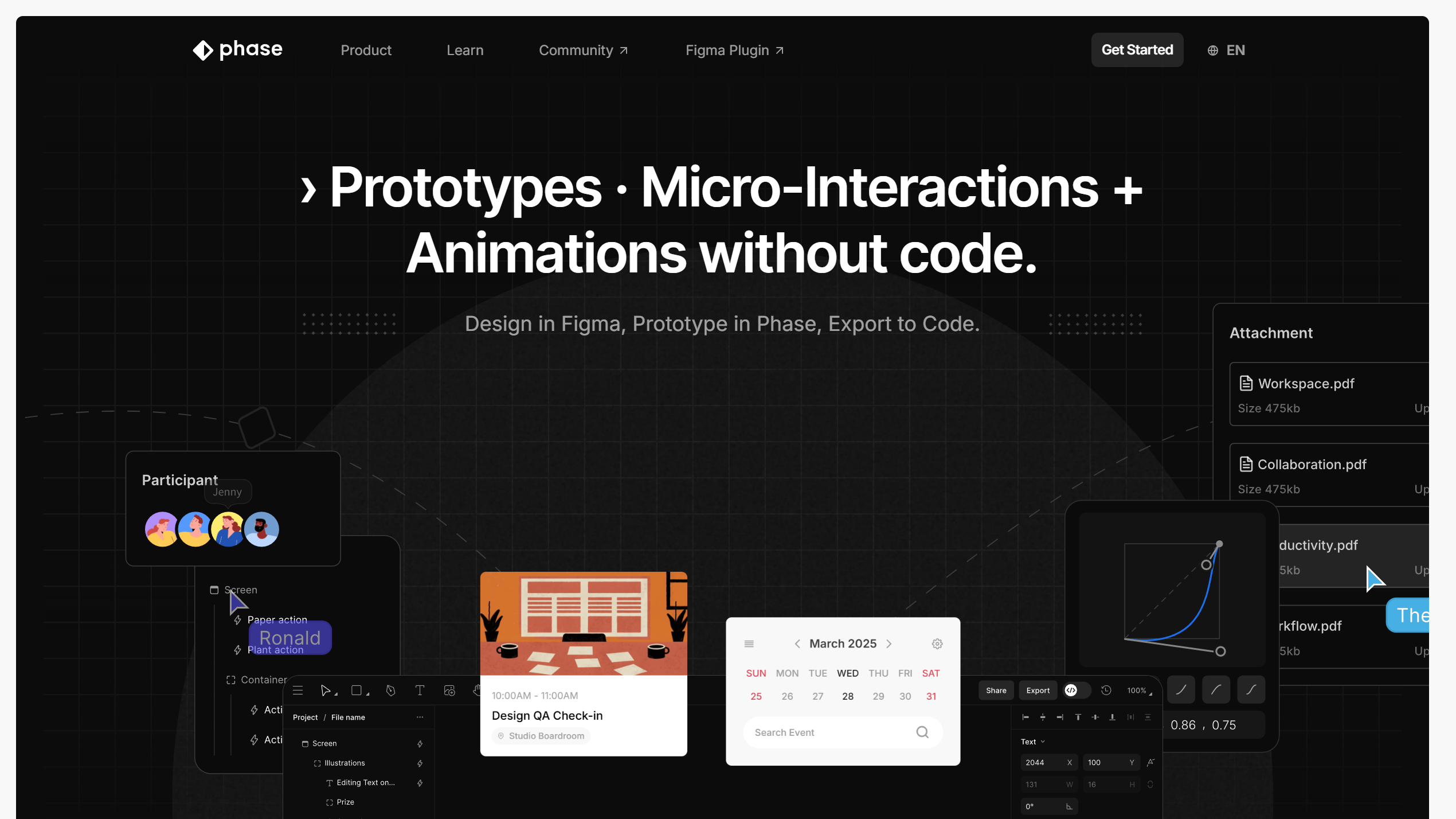
Design in Figma, Prototype in Phase, Export to Code. Prototypes · Micro-Interactions + Animations without code.
What is Phase?
Phase is a modern design and prototyping platform that helps creators build interactive digital experiences. It combines visual design tools with advanced interaction capabilities, allowing designers to create websites, animations, and prototypes without traditional development workflows.
Focused on creative freedom and rapid iteration, Phase enables designers to experiment with layouts, motion, and user experiences before moving into production.
The platform is designed for creators who want to bridge the gap between static design tools and fully functional web experiences.
Features:
-
Interactive Prototyping: Create dynamic prototypes with advanced animations and interactions.
-
Visual Design Tools: Build interfaces through an intuitive design environment.
-
Motion & Animation Support: Add engaging transitions and effects to digital experiences.
-
Rapid Design Iteration: Quickly test and refine product ideas.
-
Creative Web Experiences: Design modern websites and interactive interfaces.
Use Cases:
-
Website Prototyping: Quickly create interactive website concepts.
-
Product Design: Explore user experiences before development.
-
Creative Portfolios: Build unique and animated digital showcases.
-
Startup Product Validation: Test ideas through interactive prototypes.
Related Tools



Rate Phase
to rate this tool.
Expose Your Product!
Submit your tool to gain exposure from developers. You can also explore more powerful tools here.